
Tesla Diagnostic Interfaces & Protocols
Tesla Diagnostic Interfaces & Protocols: Everything You Need to Know If you’re diving into Tesla diagnostics, you’ll quickly realize that it’s not your typical OBD-II experience. Tesla vehicles use a mix of proprietary and evolving diagnostic interfaces depending on the model year. In this guide, we’ll break down Tesla diagnostic ports, what protocols they use, […]
Tesla Diagnostic Interfaces & Protocols: Everything You Need to Know
If you’re diving into Tesla diagnostics, you’ll quickly realize that it’s not your typical OBD-II experience. Tesla vehicles use a mix of proprietary and evolving diagnostic interfaces depending on the model year. In this guide, we’ll break down Tesla diagnostic ports, what protocols they use, and how you can access vehicle data across different generations.
Tesla Diagnostic Port Evolution (2012–2025)
Proprietary CAN-Based Diagnostic Ports (Pre‑2022)
Early Tesla models didn’t come with a standard OBD-II port. Instead, they used proprietary CAN-based interfaces, depending on the production year and model:
- High-Speed Data (HSD):
Found in Model S and Model X from June 2012 to February 2021.- Location: Behind the instrument panel or beneath the center console touchscreen.
- Access: Exposes CAN buses but requires Tesla Toolbox or special adapter cables. Not standard OBD-II.
- High-Speed Modular Twisted Pair (H‑MTD):
Used in Model S/X from February 2021 to February 2022.- Location: Driver footwell, connects to a powered media converter box.
- Access: Also proprietary; exposes CAN interface for diagnostics.
RJ45 Ethernet Interface (Mid‑2022 to 2023)
Starting in February 2022, Tesla transitioned to a more standardized Ethernet-based diagnostic port, using RJ45 connectors:
- Location: Under the MCU (media control unit) or in the footwell area.
- Protocol: Supports DoIP (Diagnostics over IP).
- Access: Standard Ethernet cable works—no need for proprietary connectors.
This change was seen in Model S/X (Feb 2022 – April 2024) and Model 3/Y (2022 – Jan 2024).
Standard OBD‑II J1962 Port (April 2024 Onwards)
By April 2024, Tesla began including a standard OBD-II J1962 port in new vehicle builds to meet regulatory requirements:
- Models:
- Model S/X from April 2024
- Model 3/Y from January–May 2024, depending on the region
- Location: Driver footwell area
- Protocol: DoIP (Diagnostics over IP) via an Ethernet-to-OBD cable
- Access: While it looks standard, full diagnostics still require Tesla Toolbox or compatible software.
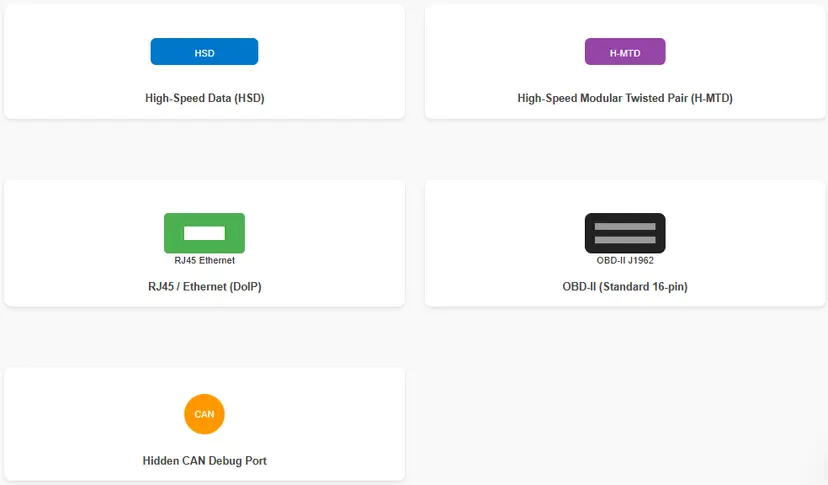
Tesla Diagnostic Port Diagrams
Visual reference for each diagnostic connector type used in Tesla vehicles from 2012 to 2025.
Key Diagnostic Features & Access Considerations
Diagnostic Protocols
Tesla diagnostics are built on UDS (Unified Diagnostic Services, ISO 14229), running over either CAN or DoIP. However, Tesla doesn’t follow typical OBD-II behavior:
- No standard emissions DTCs (Diagnostic Trouble Codes)
- Alerts are event-based, not continuous
- Deep-level retrieval needs Tesla Toolbox or Service Mode access
Data Access: Toolbox, CAN Taps & Bluetooth Dongles
- Tesla Toolbox 3.0:
The official diagnostic suite, accessed via Ethernet and enabled through Service Mode Plus. It can visualize CAN buses and module states. - Scan My Tesla:
A popular third-party tool for live data, using Bluetooth dongles connected to hidden CAN taps (often found under the center console).
Tesla Diagnostic Port Comparison Table
Model
Build Date
Connector Type
Location
Diagnostic Protocol
Model S / X
2012–Feb 2021
HSD (Proprietary CAN)
Instrument panel/console
CAN + UDS
Model S / X
Feb 2021 – Feb 2022
H-MTD Modular CAN
Driver footwell
CAN + UDS
Model S / X
Feb 2022 – Apr 2024
RJ45 Ethernet DoIP
Under MCU or footwell
DoIP (Ethernet) + UDS
Model S / X
Apr 2024 onwards
OBD-II J1962
Driver footwell
DoIP over OBD-II + UDS
Model 3 / Y
Early builds – 2021
Hidden CAN Debug Port
Rear of center console
CAN + UDS (non-standard)
Model 3 / Y
2022 – Jan 2024
RJ45 Ethernet DoIP
Under MCU or footwell
DoIP + UDS
Model 3 / Y
Jan–May 2024 onwards
OBD-II J1962
Driver footwell
DoIP + UDS
Visual Examples of Tesla Diagnostic Ports
Here’s what to look for based on your Tesla’s model year:
- RJ45/Ethernet Ports: Found under the footwell or MCU in mid-2022 to early 2024 builds. Looks like a standard Ethernet jack.
- Proprietary CAN Connectors: Typically small black or blue plugs hidden under the center console (Model S/X pre-2022, Model 3/Y early builds).
- OBD-II J1962 Ports: Standard 16-pin trapezoid-shaped plug, located in the driver’s footwell in newer (late-2024+) vehicles.
Why Tesla’s OBD-II Still Isn’t Truly “Plug-and-Play”
Even though newer Teslas come with a standard OBD-II port, it doesn’t behave like traditional systems found in other vehicles.
- Toolbox Required: For real diagnostics, coding, or module-level insights, you’ll still need Tesla Toolbox or software that supports UDS over DoIP.
- Limited Data: Basic tools can retrieve VIN and minor info, but won’t show full diagnostic alerts or enable programming.
TL;DR: Tesla Diagnostic Access by Generation
- 2012–2021: Proprietary CAN ports (HSD or H-MTD)
- 2022–Early 2024: Ethernet/RJ45 ports using DoIP
- Late 2024 Onward: Standard OBD-II J1962 ports added for compliance
Regardless of the port, Tesla diagnostics are based on UDS over CAN or DoIP, not traditional OBD-II standards. Standard scan tools will offer limited functionality.
Need Help With Your Tesla Diagnostics?
Whether you’re trying to locate your vehicle’s diagnostic port or figuring out which tool or adapter to use, feel free to reach out! We can help you identify the right setup for your Tesla model and generation.
Related reading
diagnostics
Anti-lock Braking System (ABS)
Anti-lock Braking System (ABS): Complete Guide, Benefits, Common Issues, and Service Tips Anti-lock Braking System (ABS) is a cornerstone of modern vehicle safety. It prevents wheel lock-up during hard braking, allows you to steer while stopping, and significantly reduces the risk of skidding. This comprehensive guide explains how ABS works, its integrated features like EBD, […]
tesla
Most common maintenance issues for Tesla vehicles in Pakistan
What are the most common maintenance issues for Tesla vehicles in Pakistan Tesla vehicles, while known for their advanced technology and electric efficiency, are not without their maintenance challenges. In Pakistan, where the automotive landscape is evolving, Tesla owners may encounter specific issues that require attention. Here’s a comprehensive overview of the most common maintenance […]
tesla
Tesla Maintenance and Service in Pakistan with FixMyCar.pk
Tesla has revolutionized the automotive industry with its electric vehicles (EVs), offering cutting-edge technology, sustainable energy solutions, and exceptional performance. However, like any vehicle, Teslas require regular maintenance and occasional servicing to ensure they operate at peak efficiency. If you’re in Pakistan, where EV adoption is still growing, finding reliable Tesla maintenance and service options […]
toyota
Buy AdBlue in Pakistan – Supply, Refilling, and AdBlue System Service
Where to buy AdBlue (DEF) in Pakistan: ISO 22241 certified fluid for diesel SCR systems, refill intervals, common AdBlue fault codes (P20EE, P20E8, P207F), nationwide delivery and professional SCR servicing by Fixmycar.pk.
toyota
Toyota F33A-FTV 3.3L Engine: Specs, Reliability, and Owner’s Guide
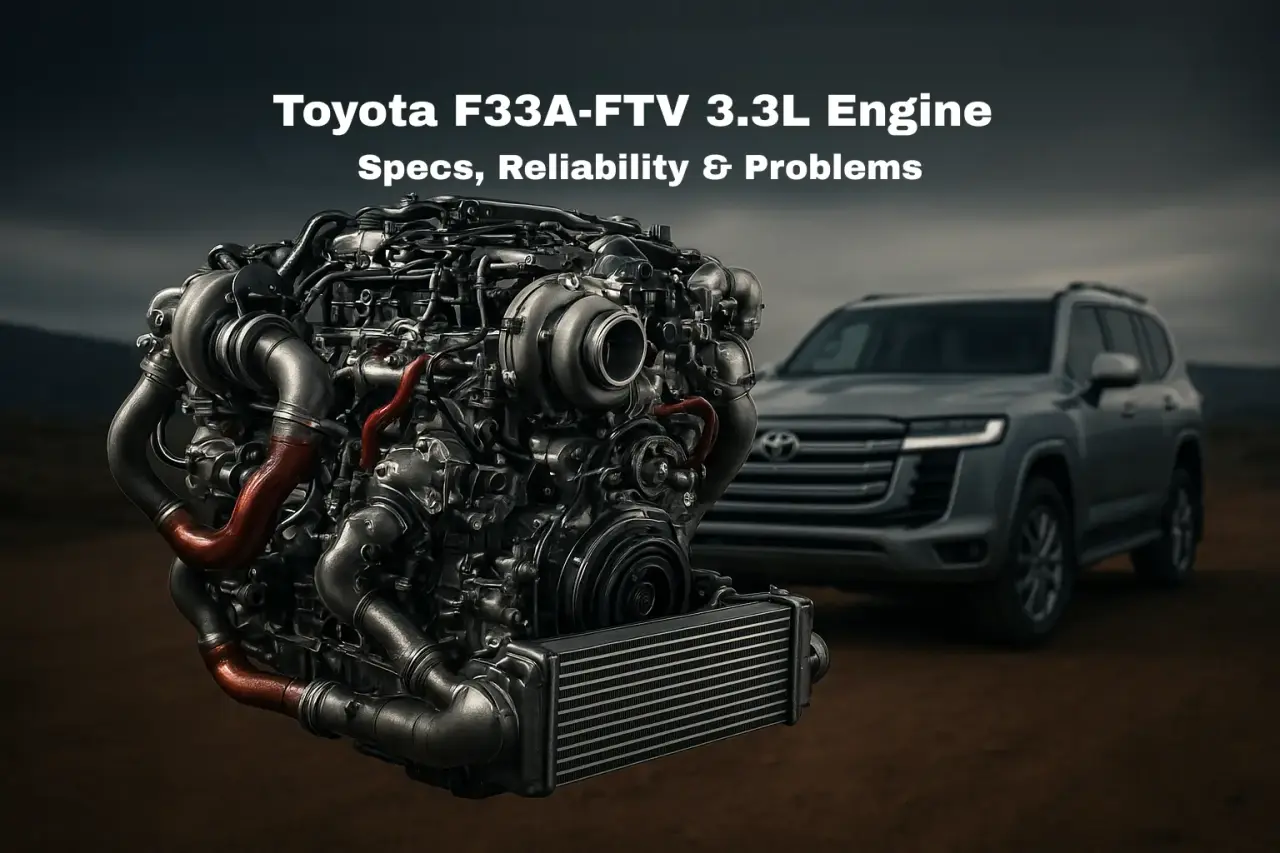
Toyota F33A-FTV 3.3L twin-turbo V6 diesel engine marked a significant shift in the automotive landscape for Toyota’s most enduring off-road platforms. Launched in 2021, the F33A-FTV debuted in the venerable Toyota Land Cruiser 300 and was later adopted by the Lexus LX 500d. This engine is historic for the manufacturer, representing their first-ever production V6 diesel, […]
honda
Brake Pads Cheap vs Expensive
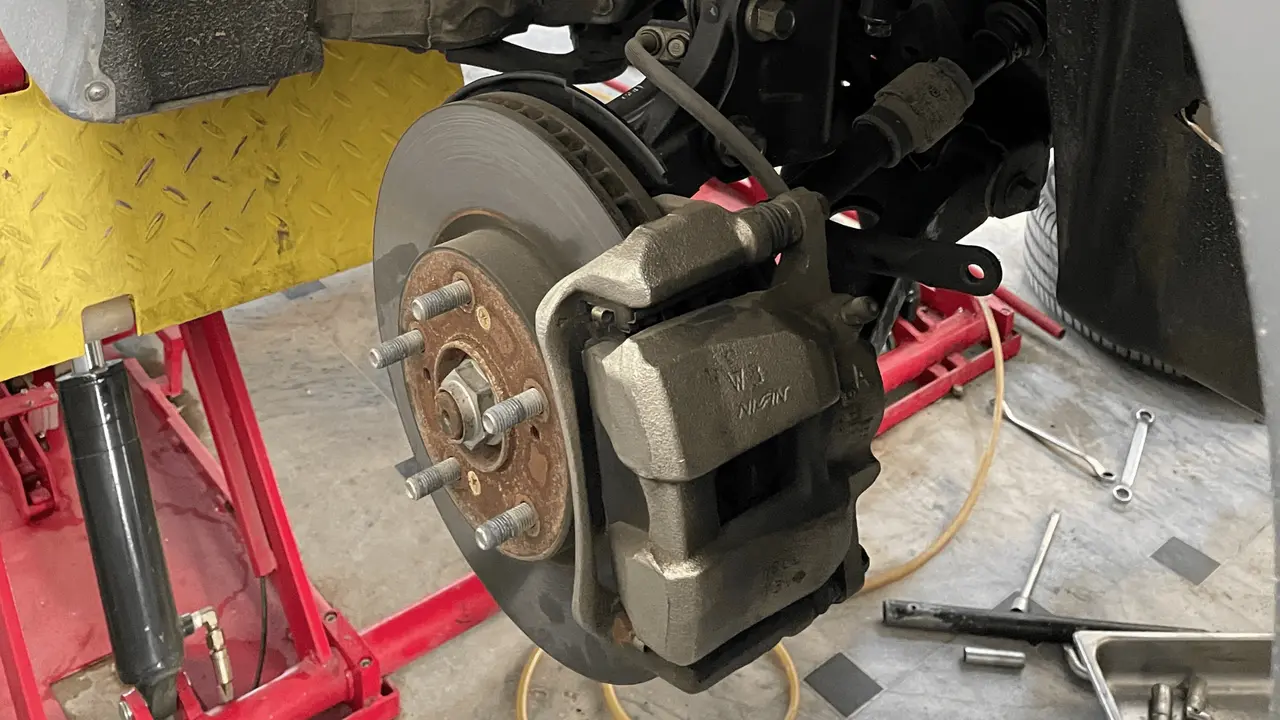
Brake Pads Cheap vs Expensive: Which One Should You Choose? Brake pads are one of the most essential components of your vehicle’s braking system. When it comes to safety, performance, and long-term cost, the type of brake pads you choose can make a significant difference. In this in-depth guide, we’ll explore the real differences between […]